ClarShot Pro · in development
Pay once for what others rent.
At launch, Pro puts your logo, brand background and size on every screenshot you save or copy. Later updates, included at no extra cost, also cover private data for you before you share. Paid once, and it runs on your device.
For support teams, agencies, freelancers and anyone who shares screenshots with other people's details in them. Works on Windows, Mac, Linux and ChromeOS. ClarShot Free is on Chrome and Edge.
Vivaldi, Arc and most other browsers are built on Chrome, so the Chrome version works there too.
Add to ChromePro is not for sale yet, and nothing is charged. ClarShot Free stays free.
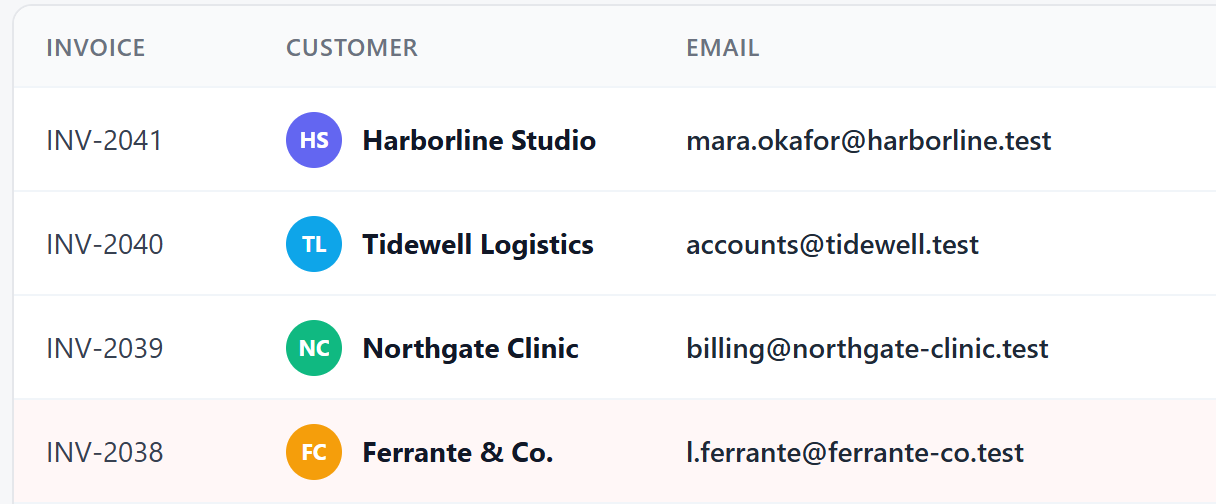
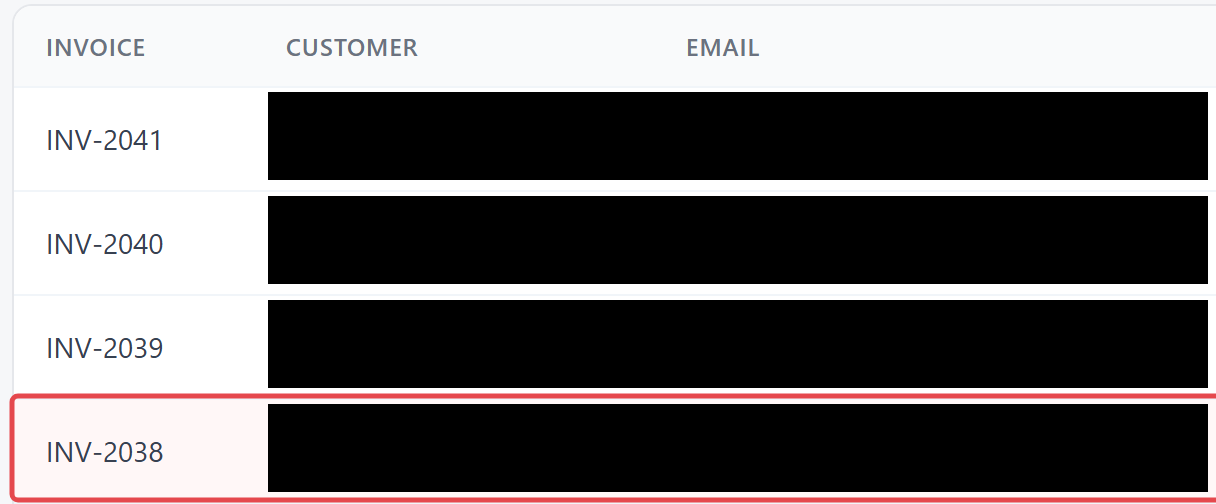
Done today in ClarShot Free, by hand
Founder price
$29once, for the first 60 days after Pro launches
From day 61, $39 once.
- Every future Pro feature included, at no extra cost. No subscription, no upgrade fees.
- One purchase covers up to 3 people, on any browsers they use. We trust you to count. Commercial use included.
- 14-day money back.
Free and Pro, feature by feature
Next to what subscription tools usually charge for. Every row says where it stands today; nothing is described as ready before it is in the extension.
| Feature | Typical subscription tools | ClarShot Free | ClarShot Pro |
|---|---|---|---|
| Capture, scrolling areas, recording, annotation, Solid, PDF | often limited or paid | Free | Free |
| GIF export | mixed | Free, coming | Free, coming |
| A finder that points out private data for you to check (Find) | rare | Free, coming | Free, coming |
| Your logo, brand backgrounds, social sizes | paid monthly | Insert your logo by hand 6 basic backgrounds, coming | Saved once, applied to every screenshot you download or copy (Share Presets, at launch) |
| Covers the names on your own list, plus passwords and keys (Safe Share) | rare, often enterprise only | Manual only | Pro, coming at no extra cost (Safe Share) |
| A searchable library of your captures, on your device | paid monthly | Last 10 saved or copied images (Recent) | Pro, coming |
| Recordings that zoom in where you click, with cursor and cut tools (Studio) | paid monthly | Basic trim, coming | Pro, coming (Studio) |
| Private data hidden while you record a tab (Live Mask) | almost nobody | Not included | Pro, coming |
| Needs an account or a cloud upload for branding or redaction | often | Never | Never |
| Price | $60 to $180 per person per year | $0 | $29 once for up to 3 people (founder), then $39 |
Category ranges checked on 22 September 2026 against public price pages. No single tool is described here.
What the private-data finder will look for
Find will be free. Safe Share adds the Pro rows, at no extra cost to Pro buyers. Both are coming; neither is in the extension yet.
| What it finds | Free | Pro |
|---|---|---|
| Email addresses | Yes | Yes |
| Phone numbers | Yes | Yes |
| Card numbers | Yes | Yes |
| IBANs | Yes | Yes |
| Password and card fields | Yes | Yes |
| Developer secrets (API keys, tokens) | No | Yes |
| Your own words (Hide list) | No | Yes |
| Custom patterns | No | Yes |
| Avatars | No | Yes |
| Faces | No | Later |
| Video (Live Mask) | No | Later |
Where it works: screenshots of a tab, by reading the page. Screenshots of a window or the whole screen in a later update, in Pro, with text recognition that runs on your device.
What it does not see: text inside images (until text recognition arrives), apps that draw on a canvas such as Google Docs and Sheets, the browser's PDF viewer, parts of a page embedded from another site, and some sealed page components.
It finds. You review. Then you export. Solid is the only choice that cannot be undone.
Own it, don't rent it
Subscription tools that brand or redact your screenshots charge per person, per month. Many of them do it on their servers. ClarShot Pro is paid once, and the extension uploads nothing. If ClarShot ever stops, your key keeps working offline, and everything you made is already on your device.
Work out the cost for your teamWhere Pro stands
Updated with every release, so you can check what exists and what is still a promise.
- Being built nowYou are hereShare Presets, the first Pro feature. Pro is not on sale yet, and has no sale date.
- Coming, includedSafe Share: covers the names on your own list, plus passwords and keys.
- Next update, includedA searchable library, text recognition for window and screen captures, and your logo on videos.
- The update after, includedStudio (recordings that zoom in where you click) and Live Mask (private data hidden while you record a tab).
- LaterStep-by-step guides. Covering faces in captures.
Coming to Free: the private-data finder (Find), GIF export, basic trim, 6 backgrounds.
Last updated 27 September 2026.
IT or security review? See how to check every claim yourself: permissions, where data is stored, and how to allow ClarShot for a team.
Questions about Pro
How does the key work?
At launch, after you buy, the key arrives by email. You paste it into the Pro panel in ClarShot and Pro turns on. The extension will check the key on your device with a digital signature: no account, no license server, no network request. The key holds no name and no email.
How many people does one purchase cover?
One purchase covers up to 3 people, on any browsers they use. We trust you to count. Commercial use included. For 4 or more people, make one purchase for each group of up to 3 people (for example, 2 purchases for 4 to 6 people). If your key ever turns up in public and we block it, email us your order ID and we send you a new one for free.
What if I want a refund?
Within 14 days of buying, for any reason: ask Paddle at paddle.net, or email support@clarshot.com with your order ID and we pass it on. Paddle, the company that runs our checkout, pays the refund. A refunded key stops unlocking Pro after the next ClarShot update. The full refund policy is at clarshot.com/refunds.
Edge or Chrome?
Both, once Pro launches. ClarShot is live on Microsoft Edge Add-ons and the Chrome Web Store. Pro will work the same in Edge, Chrome and other browsers built on Chrome, such as Brave, and one purchase covers them.
Is there anything to renew?
No. There is no subscription: you pay once, and Pro keeps working, offline, with every update.
Does finding private data upload anything?
No. Find, the free private-data finder, and Safe Share are coming, and they will run inside the extension, on your device. The extension sends nothing online, and the guide to checking an extension on clarshot.com shows how to see that for yourself.
Why not a monthly plan?
Because the work happens on your device. A subscription pays for servers, and ClarShot keeps none of your captures on a server, so there is nothing to rent. A one-time price is the honest price for software that runs locally.
Will there be a team or cloud plan?
Maybe, as a separate paid service, because servers cost money. Pro will always be what runs in your browser, and it will never require a cloud plan.
What does the waitlist get?
One email, on launch day, with the founder price: $29 once, open to everyone for the first 60 days after launch. Apart from the email that confirms your address, it is the only one we send.
What happens when the price rises?
You keep every Pro feature, including the ones that raise the price later. One step is planned: $49 when Live Mask ships, announced at least 60 days ahead.
Do you sell volume keys?
Not at a discount. Each purchase covers up to 3 people, so a team of 7 buys 3 times. At launch, Paddle, the company that runs our checkout, sends an invoice with VAT for each purchase, for your accounts.
One email, on launch day
$29once, for the first 60 days after Pro launches
From day 61, $39 once.
- Every future Pro feature included, at no extra cost. No subscription, no upgrade fees.
- One purchase covers up to 3 people, on any browsers they use. We trust you to count. Commercial use included.
- 14-day money back.
One later step is planned: $49 when Live Mask ships, announced at least 60 days ahead. Everyone who bought keeps every Pro feature, including the ones that raise the price later.